
About the app
A full SSD makes your Mac slow, breaks updates and crashes apps. SSD Guard keeps an eye on your free space and warns you in time – quietly in the menu bar, without slowing your Mac down.
Warning in the menu bar
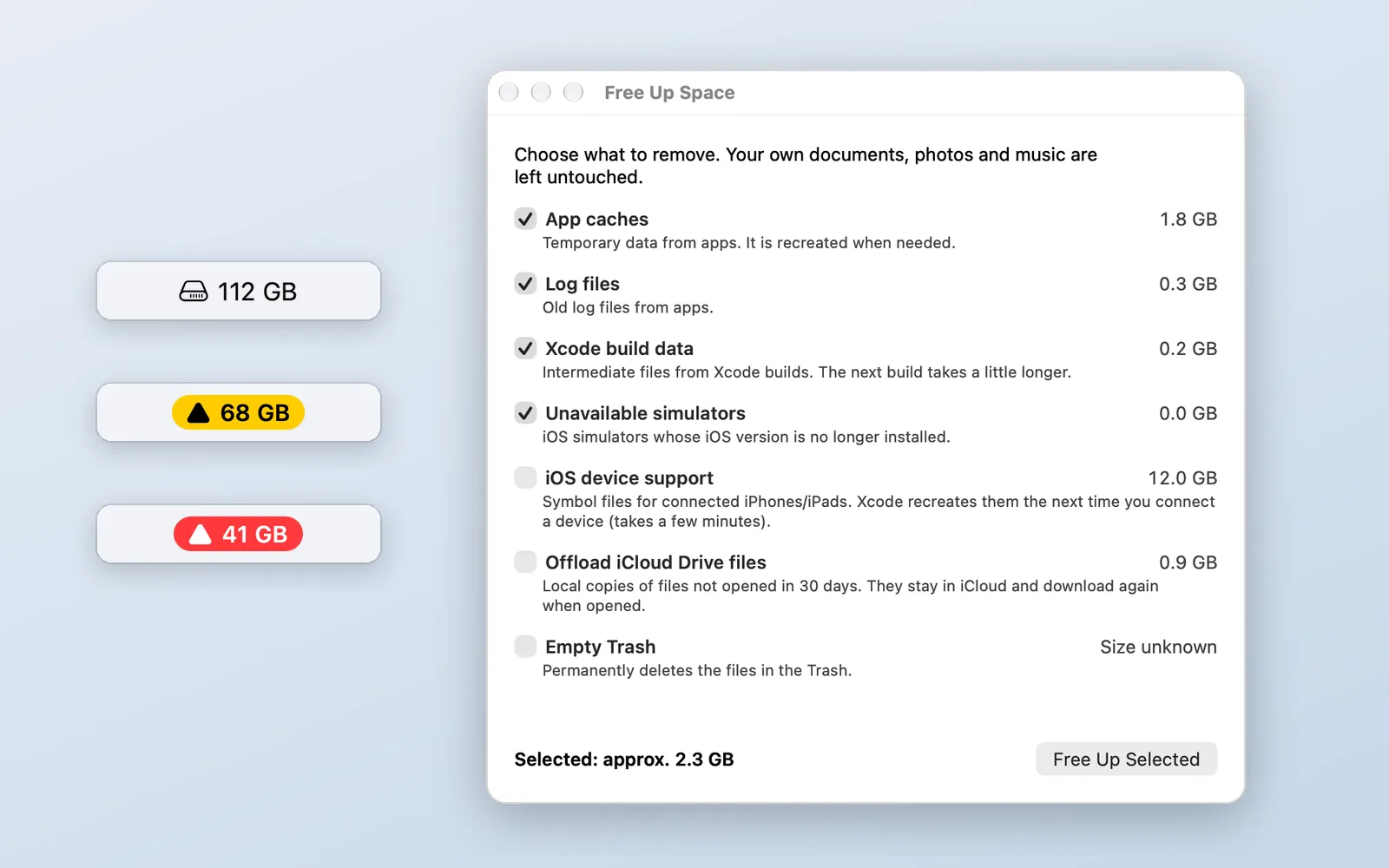
- Free space shown as a number right next to the drive icon
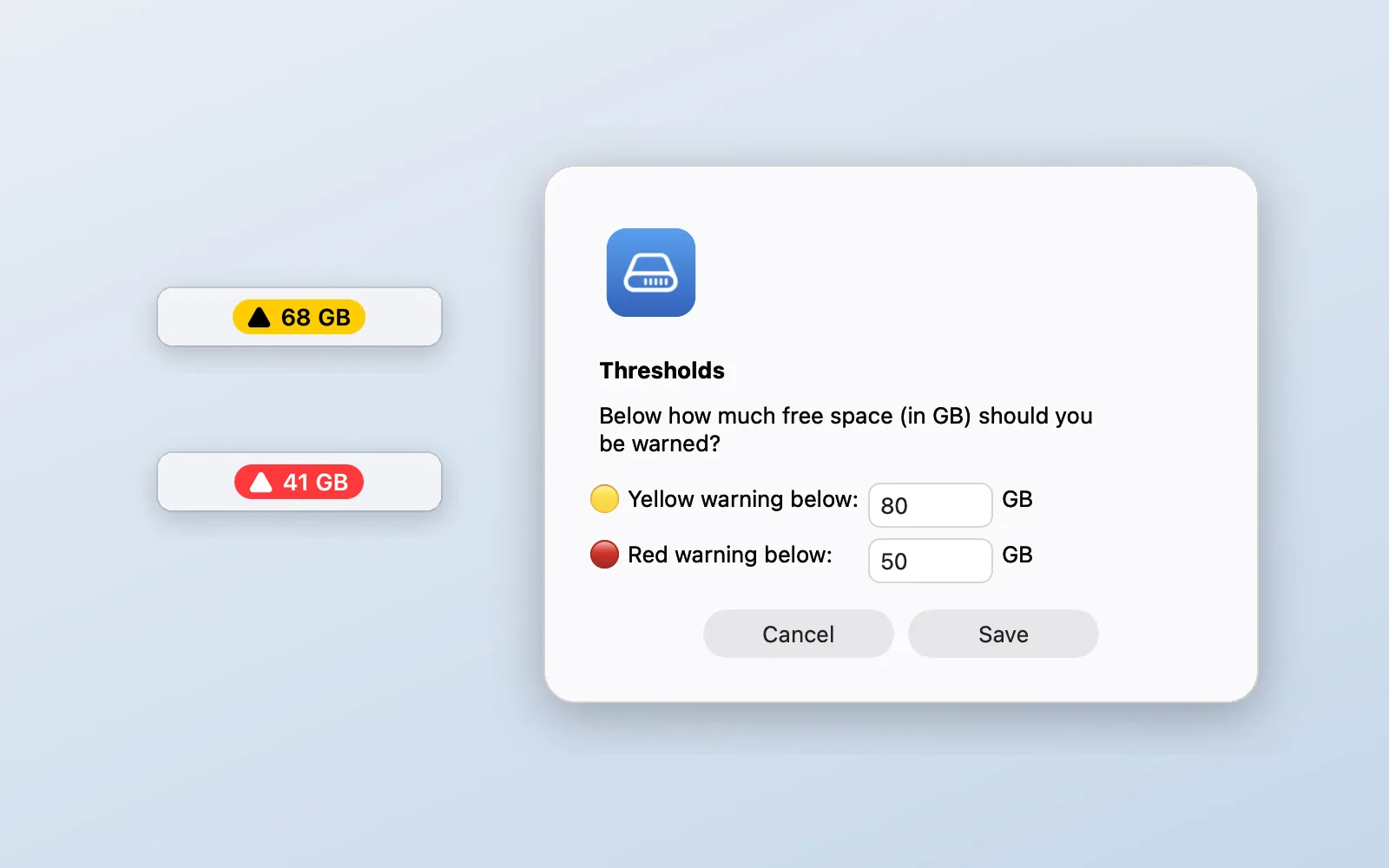
- Yellow badge below 80 GB, red badge below 50 GB – easy to read in light and dark menu bars
- A notification as soon as a warning level is reached, with a reminder every four hours
- Measures the space that is really free, not space macOS would only release later
Adjustable
- Your own thresholds for yellow and red
- Check interval from 1 to 60 minutes, plus a check after waking up
- Opens at login if you like
Free up space
- Shows how much each area takes up before you remove anything
- App caches and old log files
- For developers: Xcode build data, unavailable simulators and iOS device support
- Offload iCloud Drive files you haven't opened in 30 days – they stay in iCloud and download again when opened
- Empty the Trash, with a confirmation
- Your own documents, photos and music are left untouched
Lightweight
SSD Guard only checks every few minutes and uses no processing power in between. The app needs no internet connection, collects no data and shows no ads.
Languages: English, German, French, Spanish, Japanese and Chinese (Simplified).