

About the app
Resize Everything makes videos, photos and audio files smaller – fast, clear and right on your device.
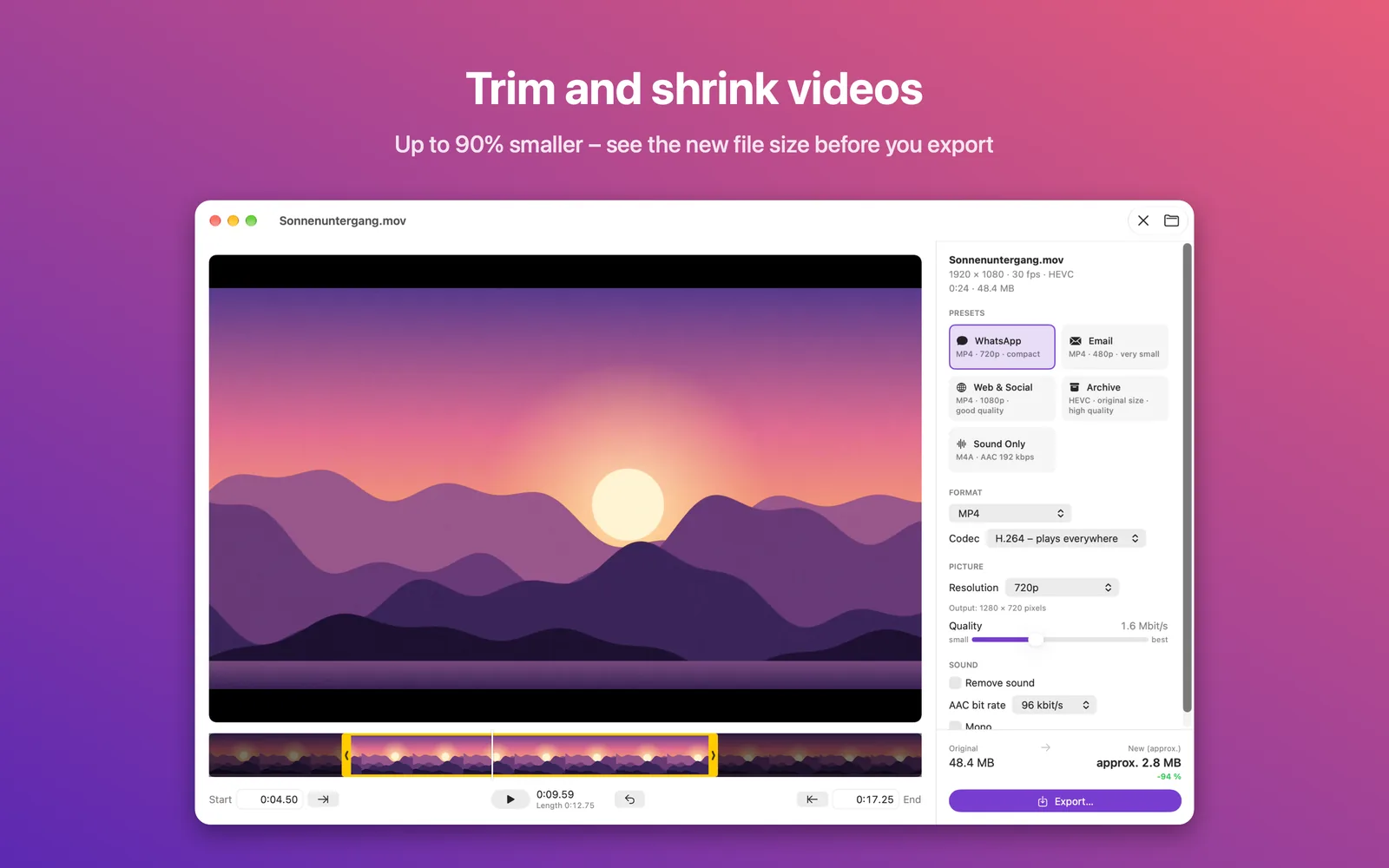
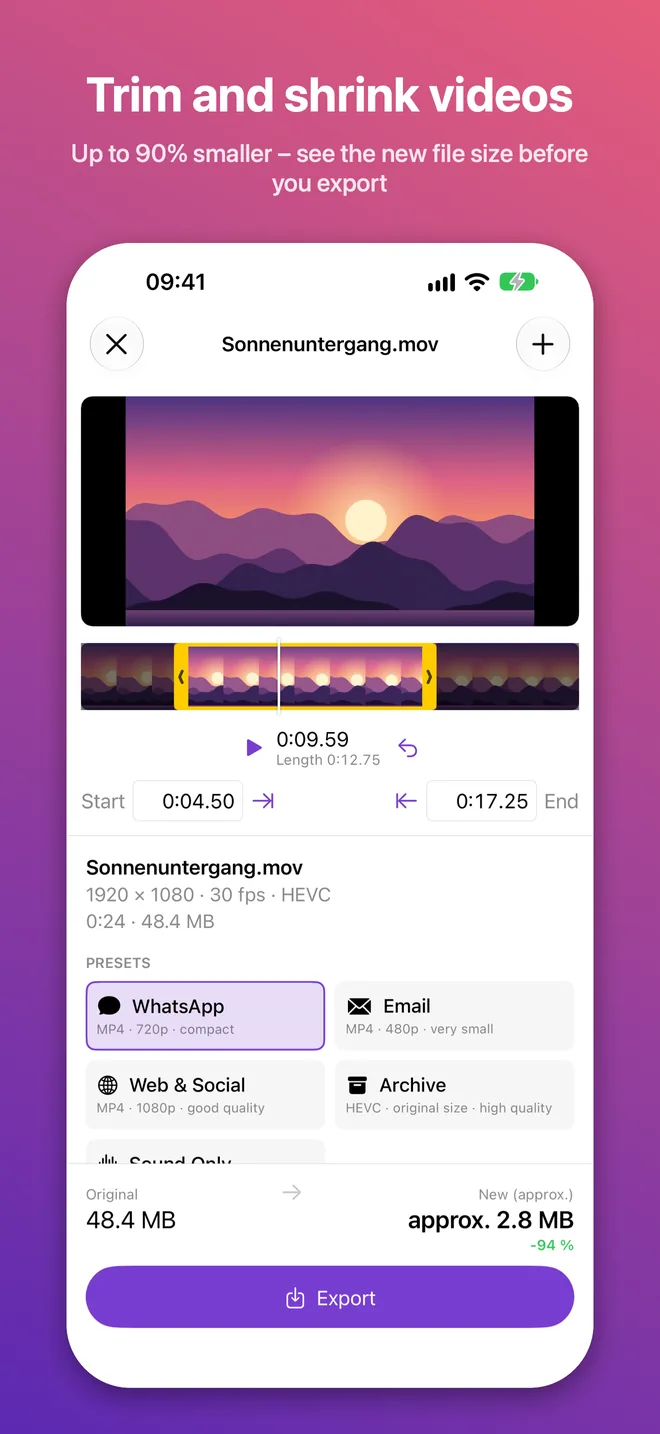
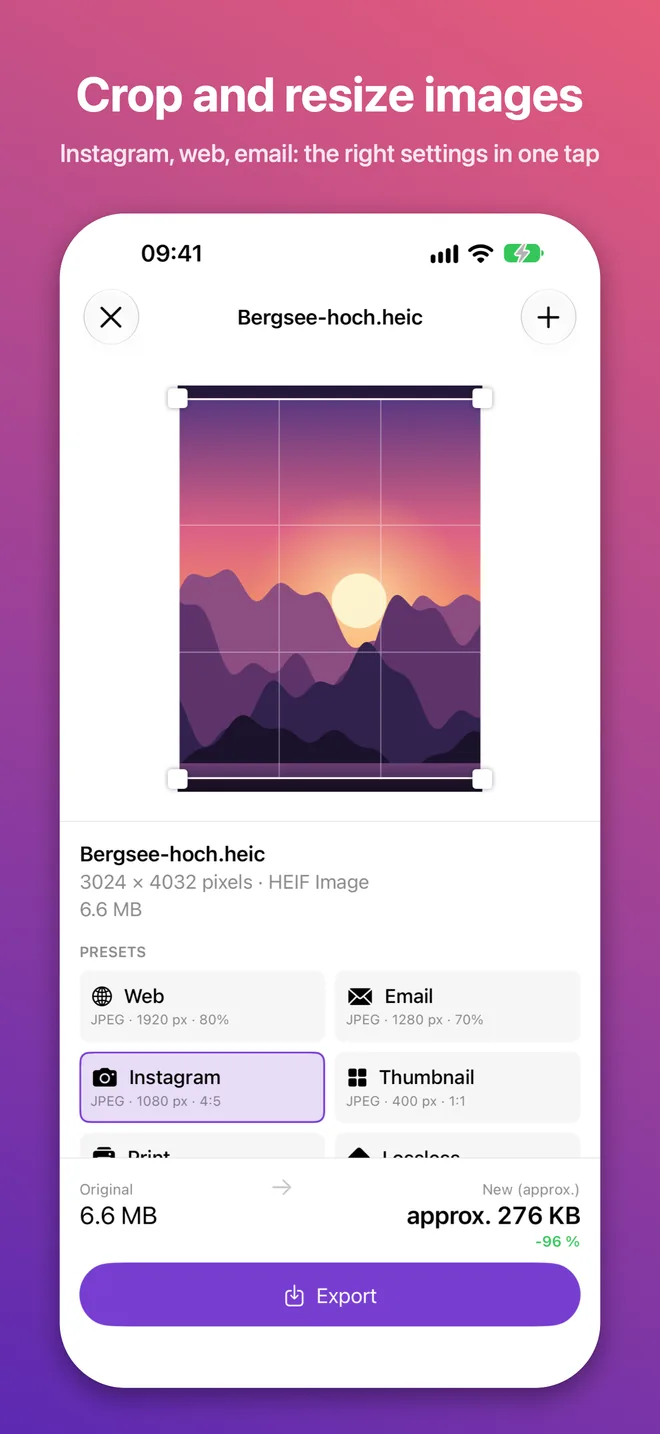
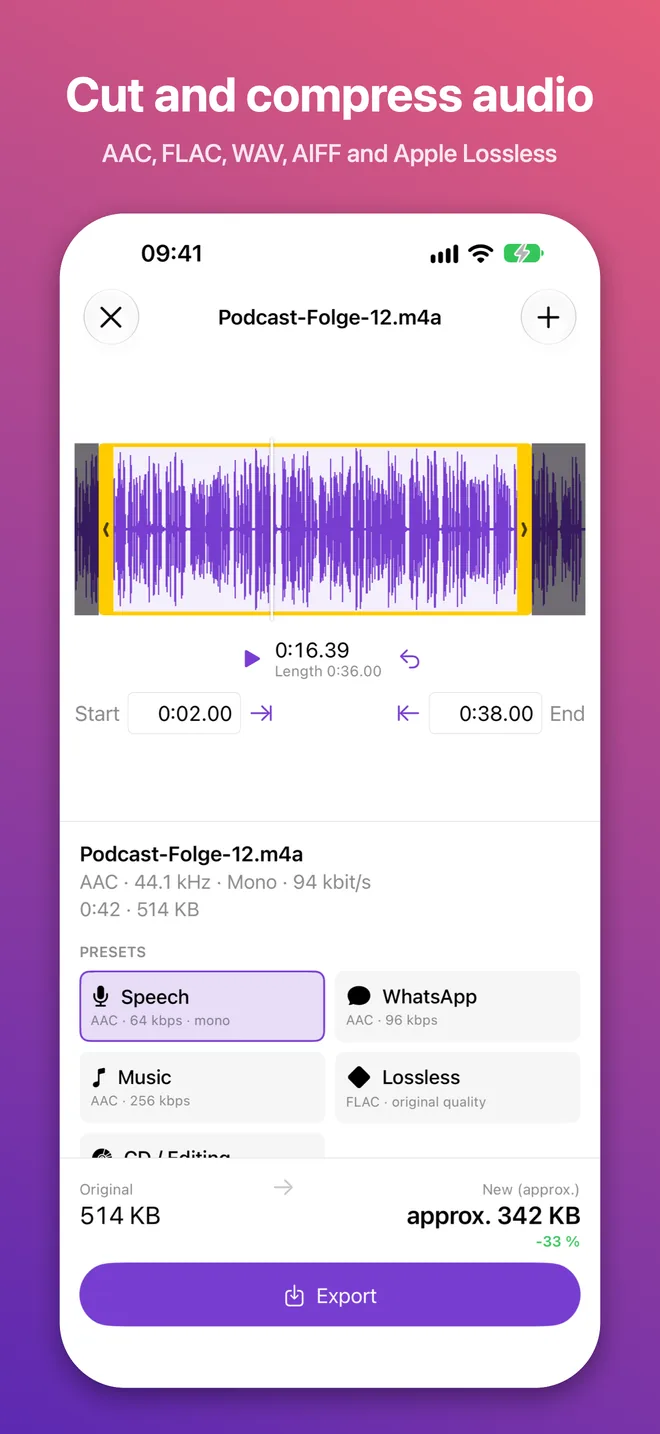
You see roughly how big the new file will be before you export. So you get the settings right the first time, whether the file is headed for a messenger, an email or a website.
A preset for every purpose
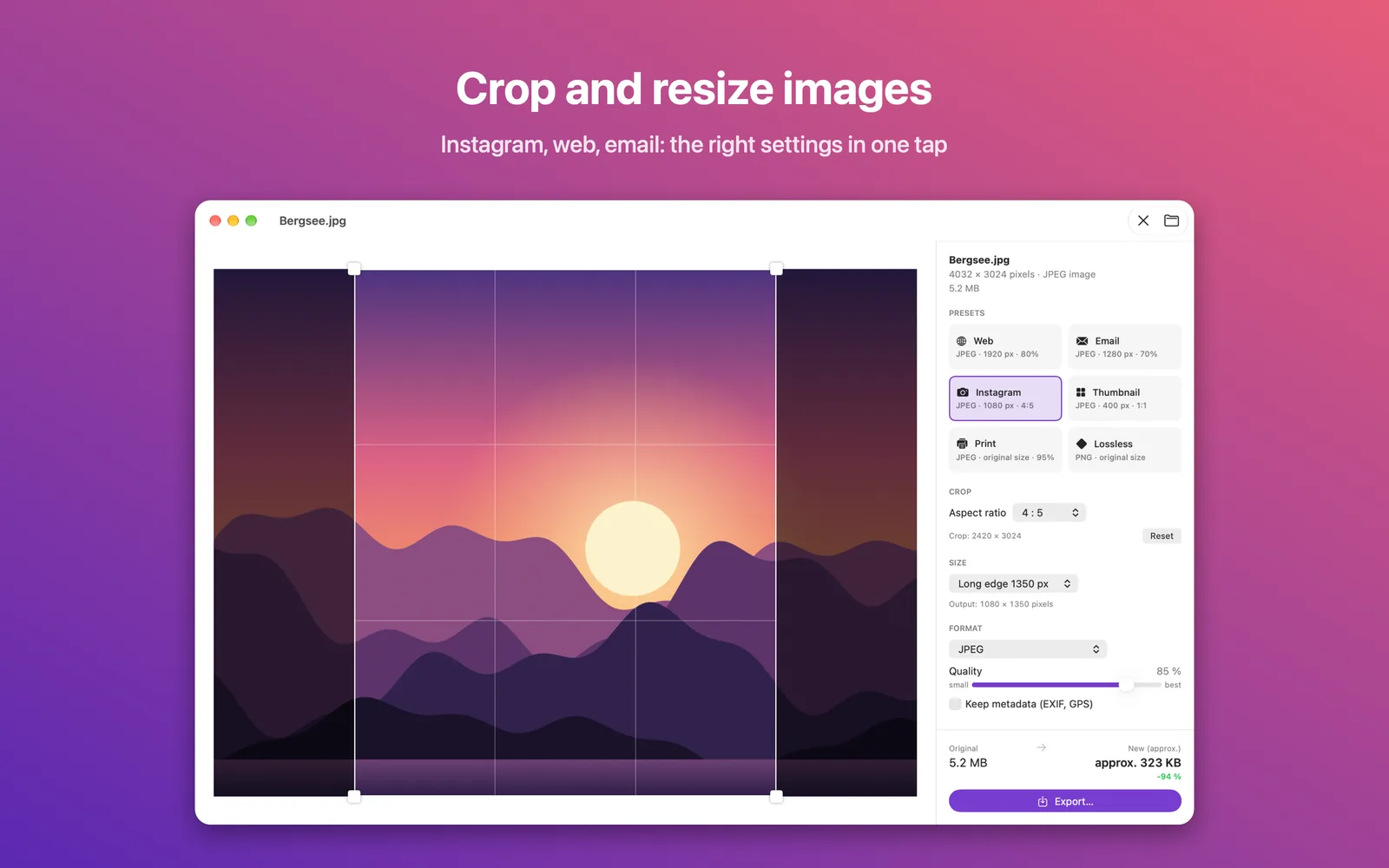
One tap on "WhatsApp", "Email", "Web", "Instagram" or "Archive" picks the right format, resolution and quality. You can fine-tune every setting afterwards.
Videos
- Trim the start and end – with thumbnails and precise times
- Lower the resolution: 4K, 1080p, 720p, 480p and more
- Adjust quality smoothly, with the bit rate shown
- MP4, MOV or M4V with H.264 (plays everywhere) or HEVC (even smaller)
- Save just the sound as M4A, or remove the sound
Photos and images
- Crop freely or to a fixed aspect ratio (1:1, 4:5, 16:9 and more)
- Scale down to an exact pixel size
- JPEG, HEIC, AVIF, PNG, TIFF, GIF and BMP
- The size preview is based on a real test encode, so it's very accurate
- Optionally strip metadata, such as your GPS location
Audio
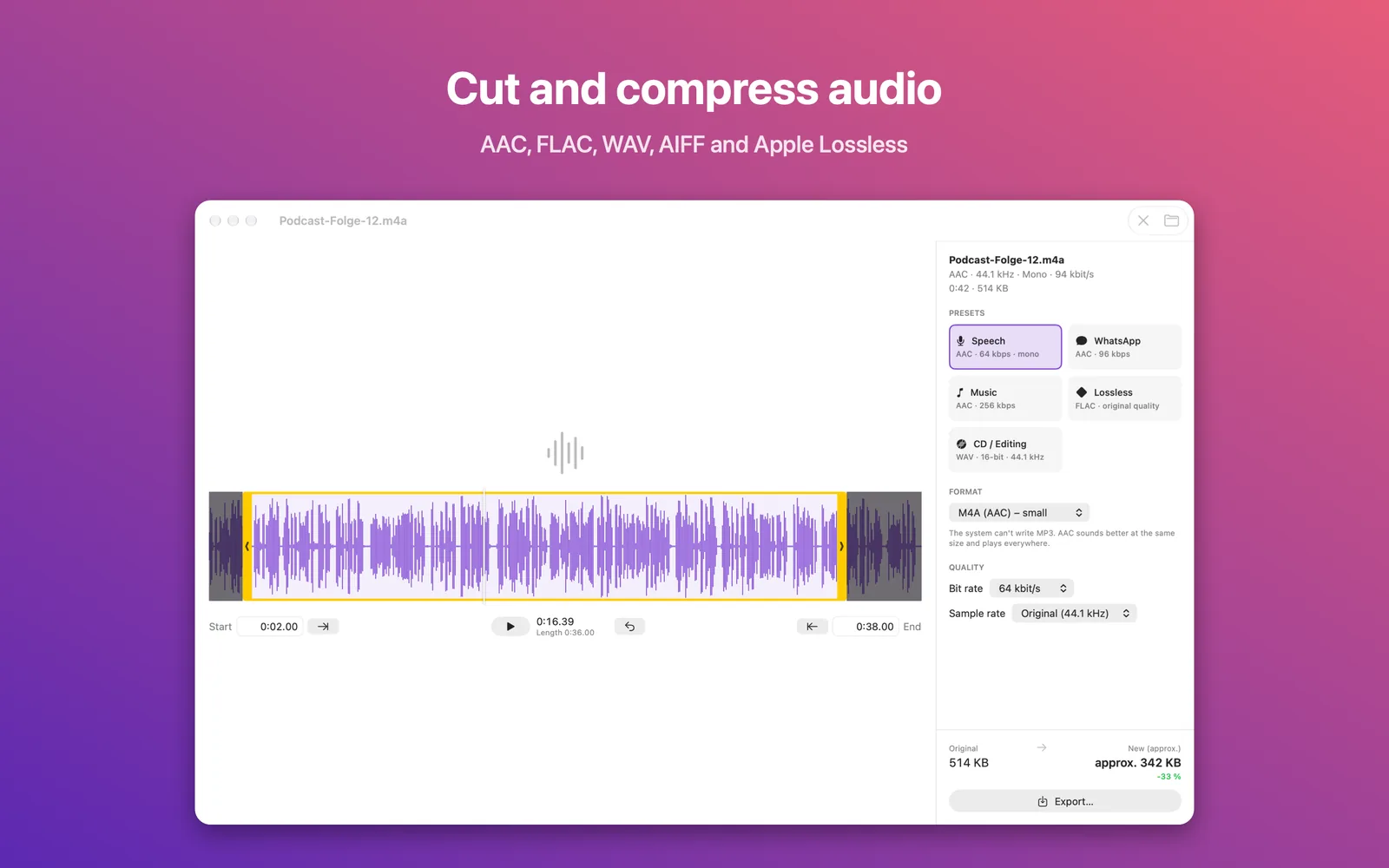
- Trim the start and end – with a waveform
- AAC, Apple Lossless, FLAC, WAV and AIFF
- Set bit rate, bit depth, sample rate and mono
Private
Everything happens on your device. Your files are never uploaded, and the app collects no data.
On iPhone and iPad, pick files from Photos or Files, then save the result to Photos or share it right away. On Mac, simply drag files into the window.