
About the app
Blatt is a text editor and a spreadsheet in one tiny app. Only a few megabytes in size, it opens instantly and responds without delay – and it still has the most important features on board.
Blatt isn't trying to replace Word or Excel. It's for everything in between: notes, lists, letter drafts, a household budget, a shopping or packing list, or a quick calculation. No menu jungle, no account, no subscription.
Text
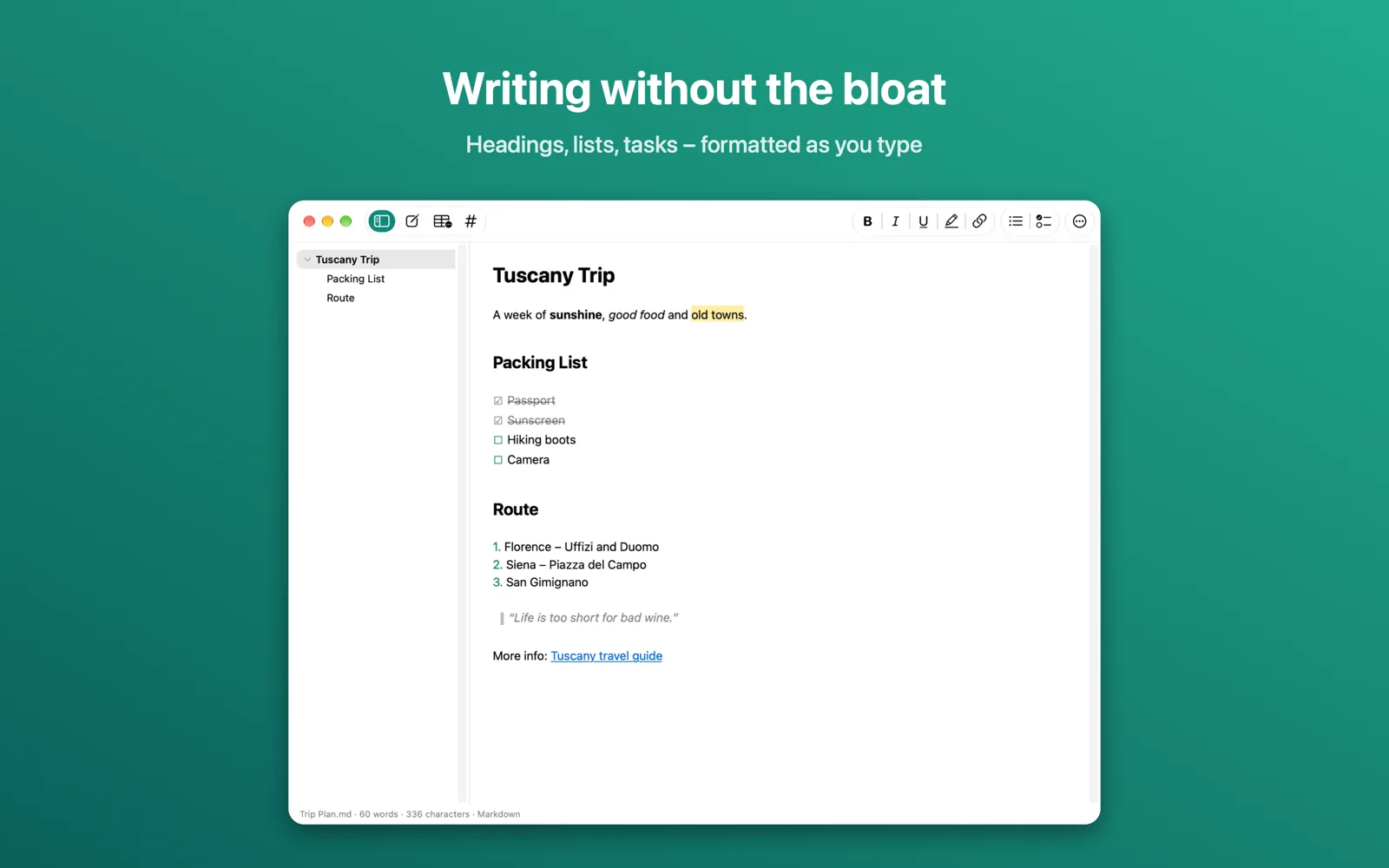
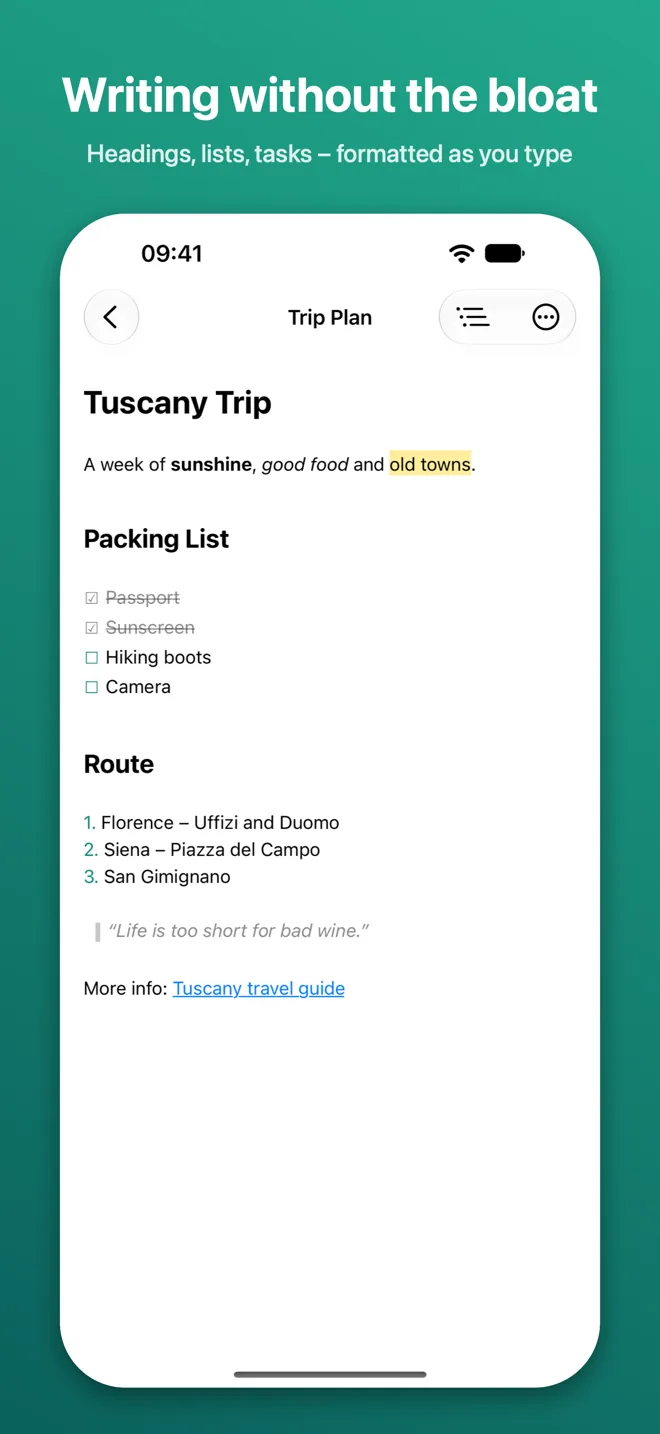
- Headings, bold, italic, underline, strikethrough, highlight
- Bulleted and numbered lists, plus checklists to tick off
- Quotes, links, dividers and code
- Table of contents with collapsible headings
- Saved as Markdown – readable in any program. The characters are hidden, so you see the result right away
- Export as PDF, Word, RTF, HTML, Markdown or plain text; Word, OpenDocument, RTF and Pages files can be opened
- Font sizes and spacing to your taste
Spreadsheets
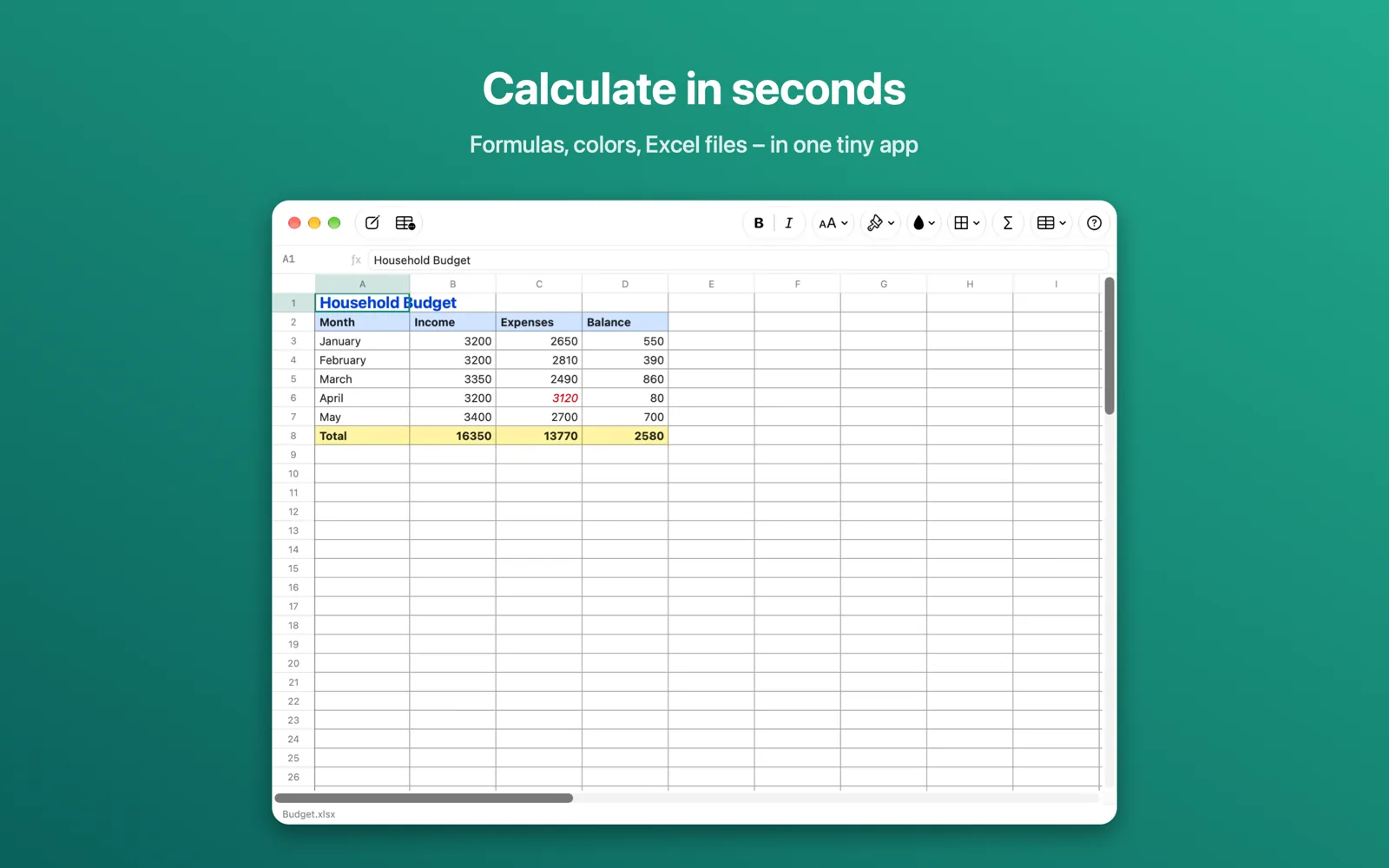
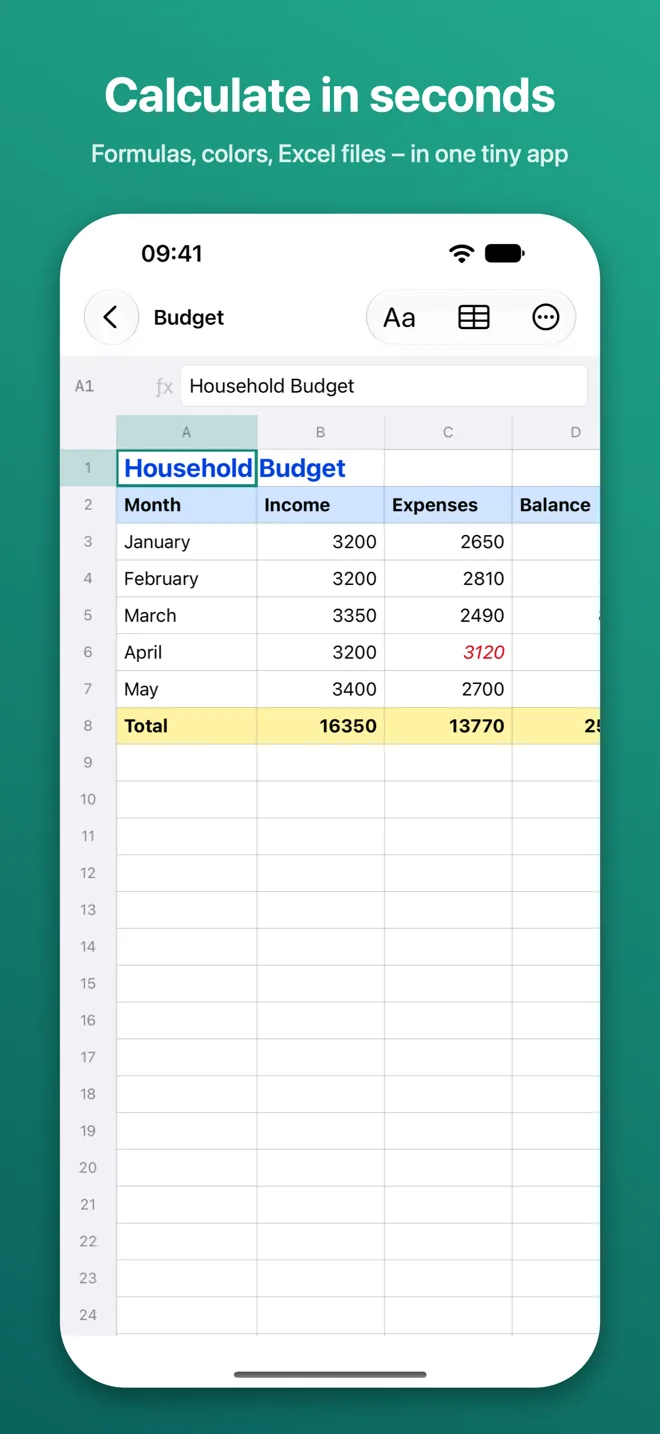
- Formulas with around 90 functions such as SUM, IF, VLOOKUP, XLOOKUP, SUMIFS and COUNTIFS
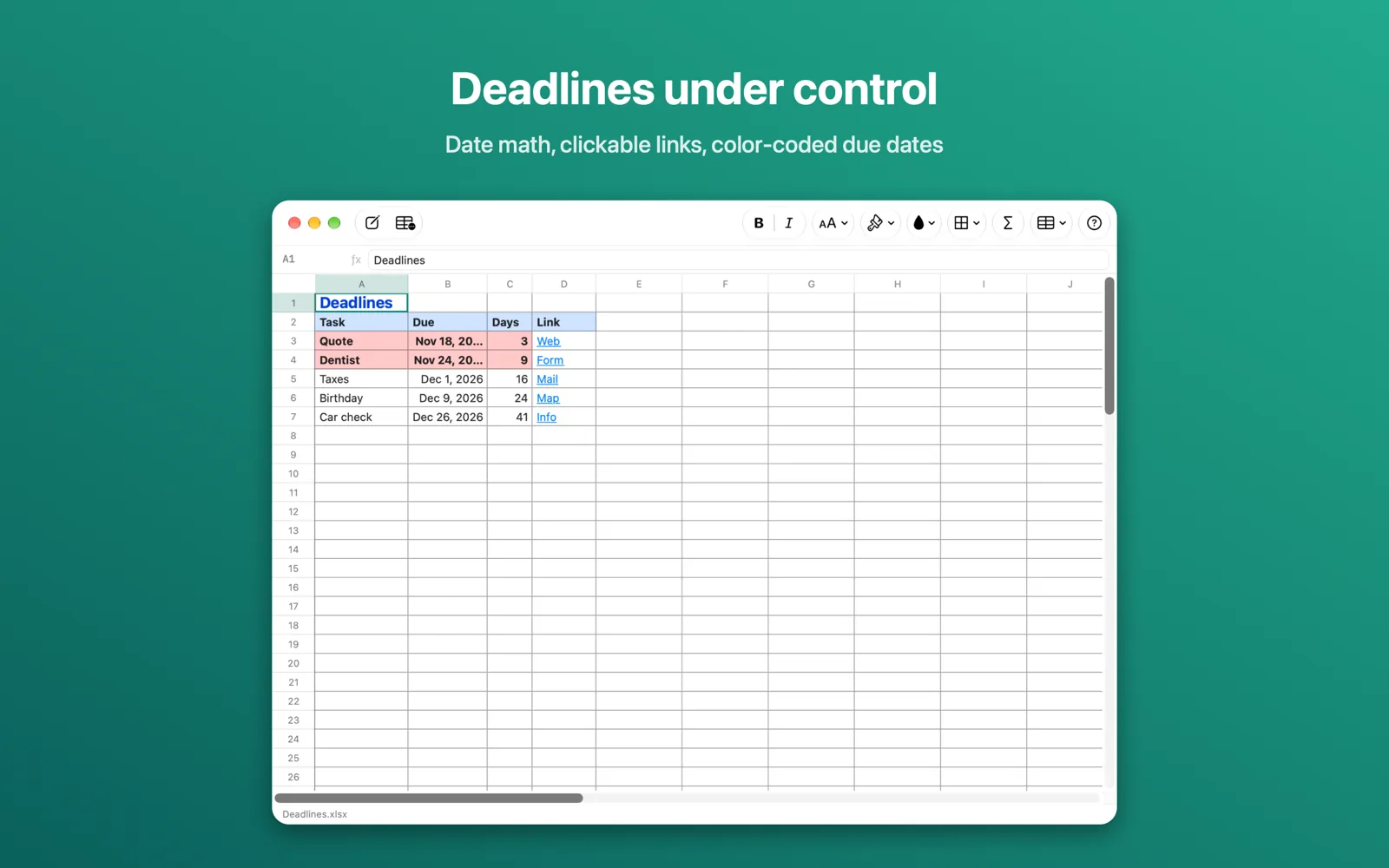
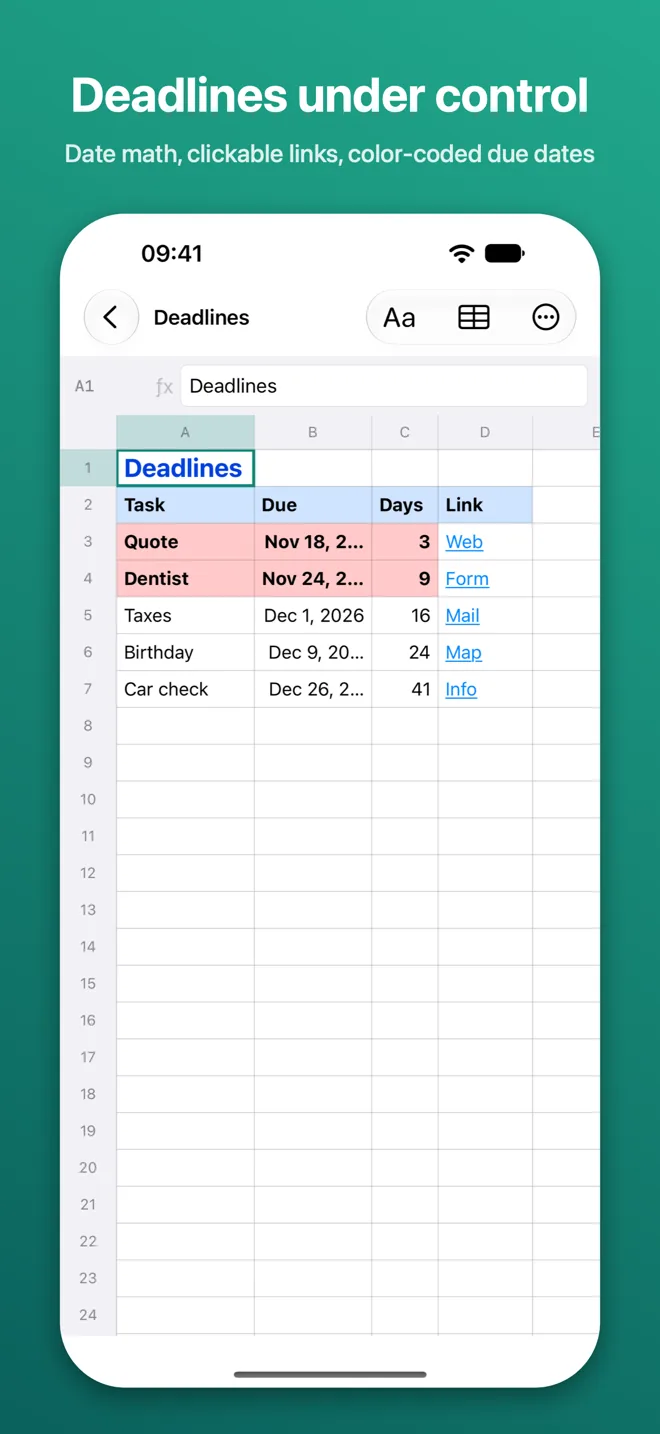
- Real dates: type a date, count the days to a deadline, workdays and week numbers
- Clickable links to websites and email addresses
- Freeze rows and columns; color highlighting from Excel is kept
- Print and PDF with page numbers
- Font size, bold, italic, text color and background color for cells
- Sort, fill, one-tap sum, insert rows and columns
- Opens and saves Excel (.xlsx, .xltx), OpenDocument (.ods) and CSV, reads Numbers spreadsheets
- Export as PDF, HTML or Markdown
Small and fast
Blatt is deliberately lean. No ads, no data collection, no sign-in. Everything stays on your device or in your iCloud Drive.
On iPhone and iPad a format bar sits right above the keyboard; on the Mac everything is also available via keyboard shortcuts.